Skip to Content
Uncategorized
View all
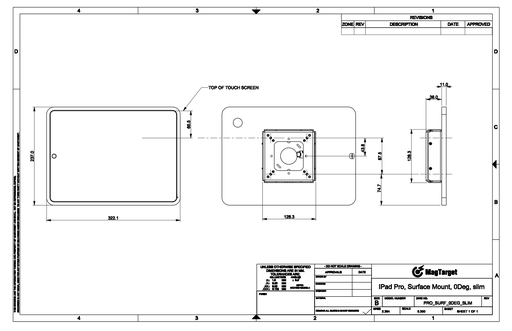
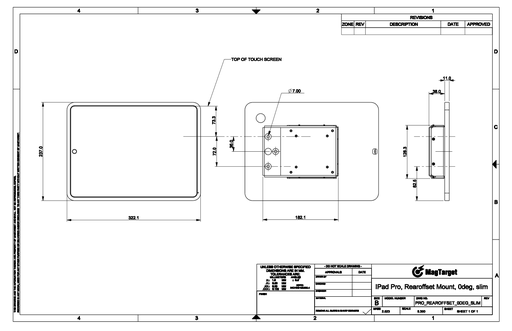
Pro rearoffset 15deg slim
Preview

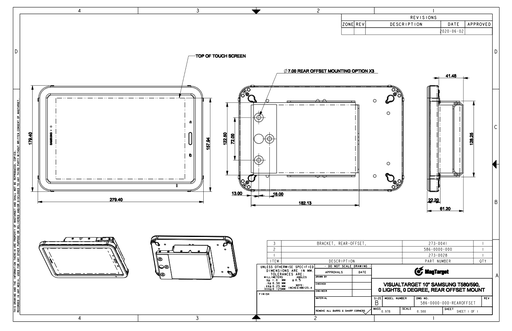
Slim Enclosure for the iPad Pro, with 15 Degree Bracket and Rear-offset Mount.

Mini rearoffset 0deg slim
Preview

Slim Enclosure for the iPad Mini, with 0 Degree Bracket and Rear Offset Mount.

Color Frequency
View all
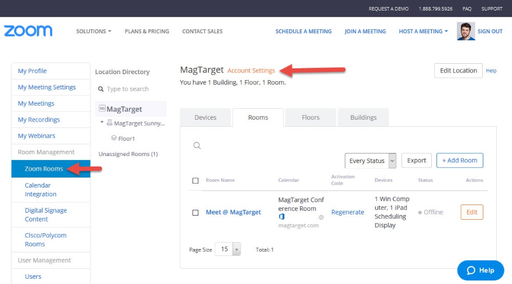
Zoom - Color frequency setting
Preview

This document shows where the light frequency setting is located in the Zoom dashboard.

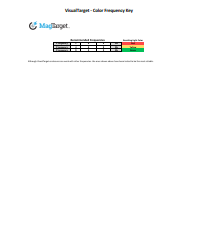
VisualTarget - Color Frequency Key
Preview

Change the color of the light easily by simply entering the corresponding frequency into the application used to control the tablets (Envoy, Zoom, EMS Software, EventBoard, etc.)

These frequencies can be tested by opening the link below directly from the tablet in the VisualTarget enclosure:
magtarget.com/color

Updated in February 2019 to integrate dimmer LED brightness,
new LED off frequency, rainbow frequency for trade shows.
Legacy frequency is still supported.
If you received a new enclosure prior to February 2018 contact our technical support team to obtain your corresponding Frequency Key

Installation Guides
View all
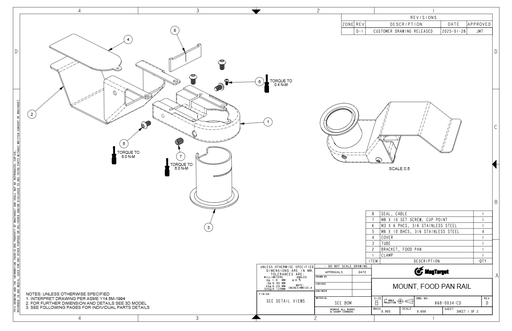
[555-0047] INSTALLATION INSTRUCTIONS, MOUNTS FOR UNIVERSAL DOCK
[555-0047] INSTALLATION INSTRUCTIONS, MOUNTS FOR UNIVERSAL DOCK
Preview

These instructions cover the mechanical assembly of the mounts for the Universal Dock.

Applies To:

• [668-0034] Mount, Food Pan Rail

• [668-0035] Mount, Countertop

• [668-0036-001] Mount, Pole, With 3 Inch Cross-Tube Extension

Development Guides
View all
Instructions - RJ-45 plug install
Preview

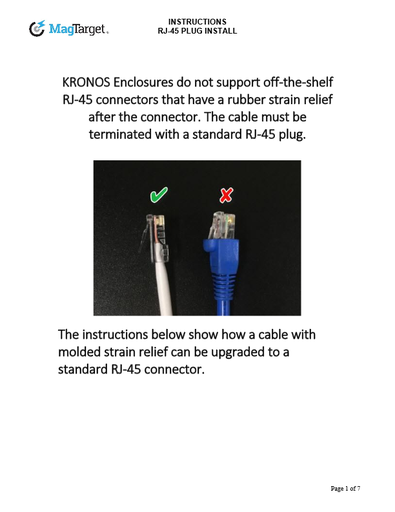
KRONOS Enclosures do not support off-the-shelf RJ-45 connectors that have a rubber strain relief after the connector. The cable must be terminated with a standard RJ-45 plug.
The instructions show how a cable with molded strain relief can be upgraded to a standard RJ-45 connector.

Network switch and App setup guide
Preview

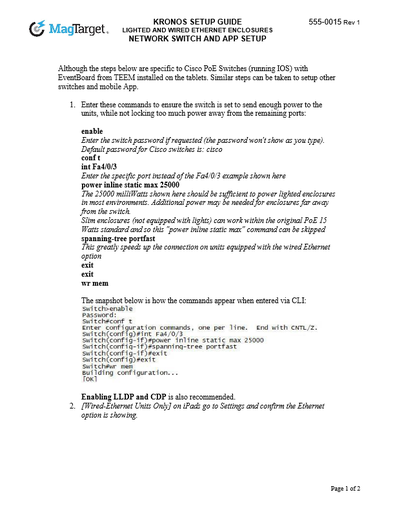
Although the steps below are specific to Cisco PoE Switches (running IOS) with EventBoard from TEEM installed on the tablets. Similar steps can be taken to setup other switches and mobile App.

Default channel for slides, all public users can access content of this channel.